
Native app-like page transitions
SSGOI animates the change between routes without taking over navigation. One config and one route boundary is the whole starting point.
Where to start
The first three get your first transition running — the Quick start links to the other two at the step that needs them. The rest is there when routing gets specific.
- Set it upStart with the Next.js example, or choose your framework guide. Write the config, import the router boundary, and wire them into your layout.
- Get the wrapper rightThree classes on the element you wrap <Ssgoi> in. Read it when the page that leaves lands in the wrong place, or when a transition paints over a fixed header.
- Mark the region that changesOne node, keyed by the route so the framework rebuilds it, and named so your rules can match it. Read it when you are unsure what to wrap.
- Choose the motionStart with Drill, Sheet, Slide, or Zoom, then browse the rest of the catalog.
- Decide per routeWrite rules with on, except, from/to, and ordered when one transition is not enough.
- Keep a layout stillHold a bottom nav or header in place while the routed content moves beneath it.
Let the motion say where the user went
A list going to a detail page should not look like a tab switch. Each preset carries a different spatial meaning.
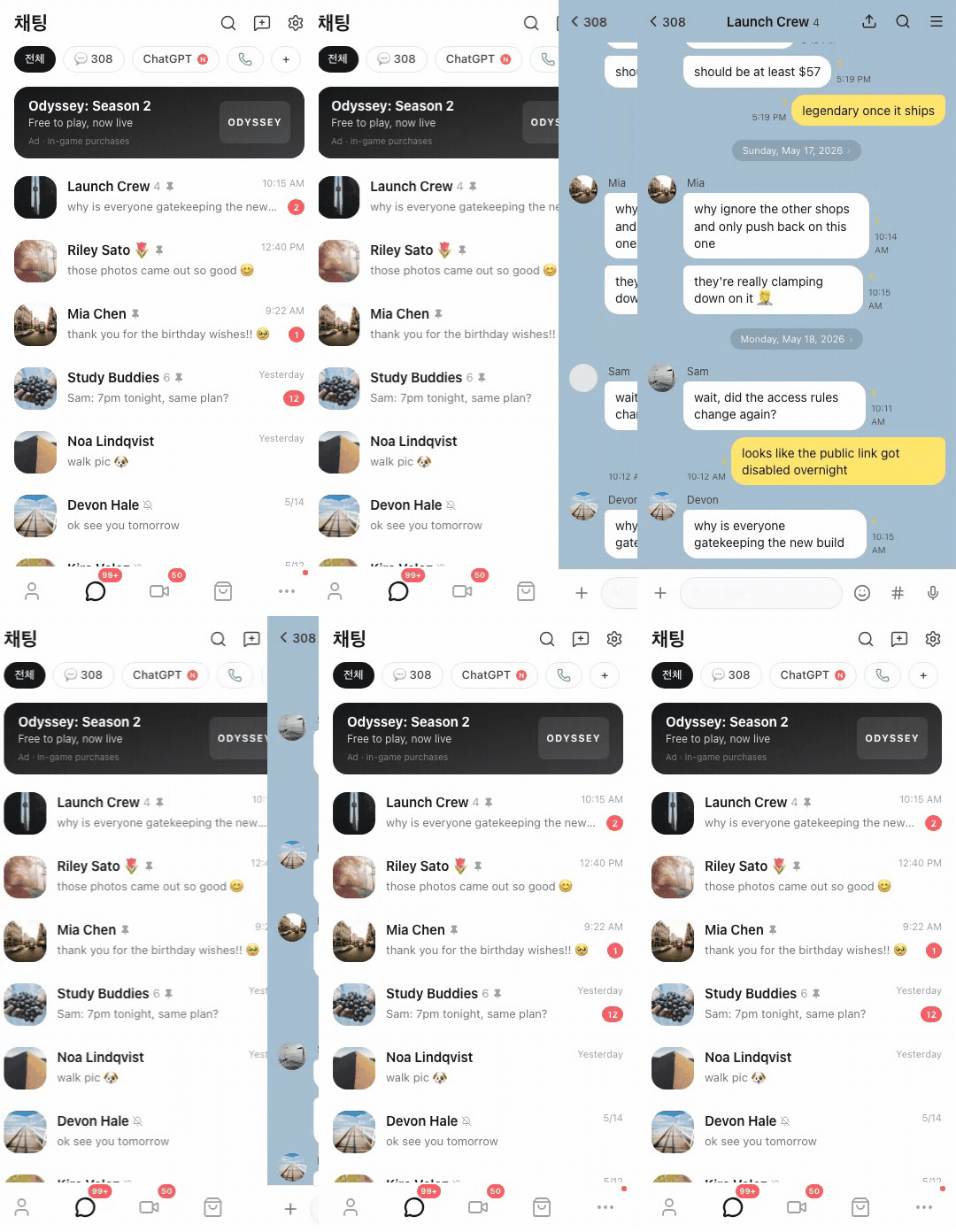
Drill
List to detail, with depth and an obvious way back.
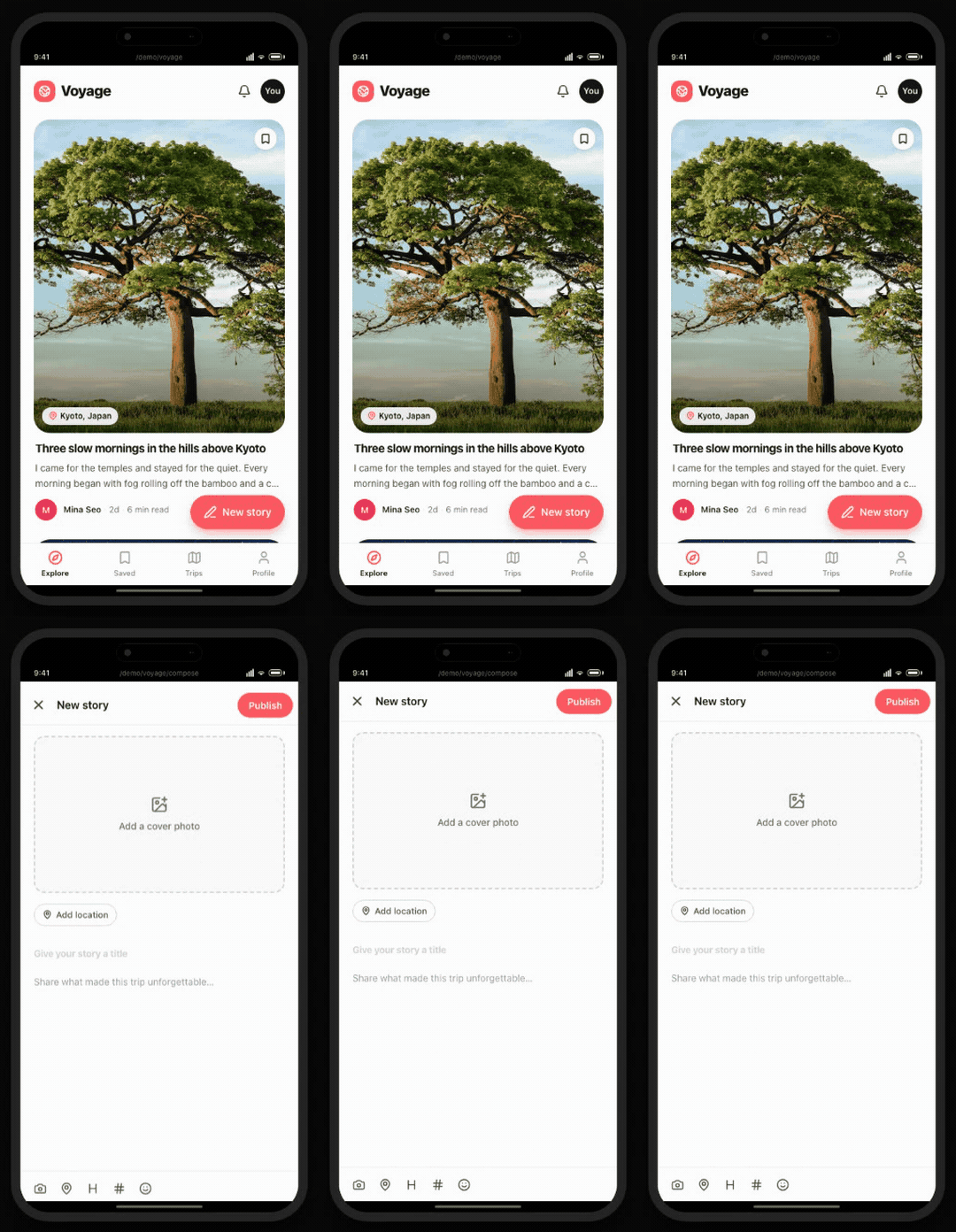
Sheet
A focused task rises while the origin stays in view behind it.
Slide suits ordered tabs and steps, and Zoom unfolds a selected card into its detail route. The full catalog has the rest.
Routers and browsers it runs on
SSGOI watches the DOM lifecycle your framework already drives, so routing and SSR behave exactly as they did before.






Why SSGOI
Why SSGOI is built this way, and where each decision is explained.
- Keep the navigation you already haveYour framework still owns URLs, history, SSR, and data loading. SSGOI only watches one route boundary in the DOM.
- Set it upOne provider file, plus one edit to the layout you already have. Everything else stays optional until the app needs it.
- Springs, played by the browserSpring motion is simulated up front and handed to the browser as keyframes, so nothing runs per frame in JavaScript.
- Work with the real leaving pageThe page that leaves is the real DOM node, not a snapshot, so presets can measure it, keep its media playing, and add temporary layers around it.