
scroll
Scroll makes full web pages travel like a vertical sequence. It is a page transition, not browser scroll-position restoration.
Sibling — Between peer screens at the same level.
When this motion fits
- When to use
- Use it for full-viewport web chapters, showcases, or an editorial sequence that should feel vertically continuous.
- What moves
- The next page travels upward into view; directional mode reverses that travel when users go back.
- Avoid when
- Avoid it for mobile app navigation, ordinary document scrolling, or pages that are not part of one sequence.
Add it to a route rule
scroll() sets the motion; the rule around it decides which navigations get it. The config shape is the same in every framework.
import { scroll } from "@ssgoi/react/view-transitions";

const config = {
  transitions: [
    {
      ordered: ["/first", "/second", "/third"],
      transition: scroll(),
    },
  ],
};
Pattern forms, priority and the scroll defaults that come with each rule shape are on Route rules.
Configurations
type, variant and option are independent. Each clip is recorded from a demo published on ssgoi.dev. Combinations without a published demo keep the API details without a substitute clip.
directional
type: directionaldefaultRoute order decides direction: forward travels up and backward travels down.
scroll({ type: "directional" })non-directional
type: non-directionalEvery destination enters upward, including the return trip.
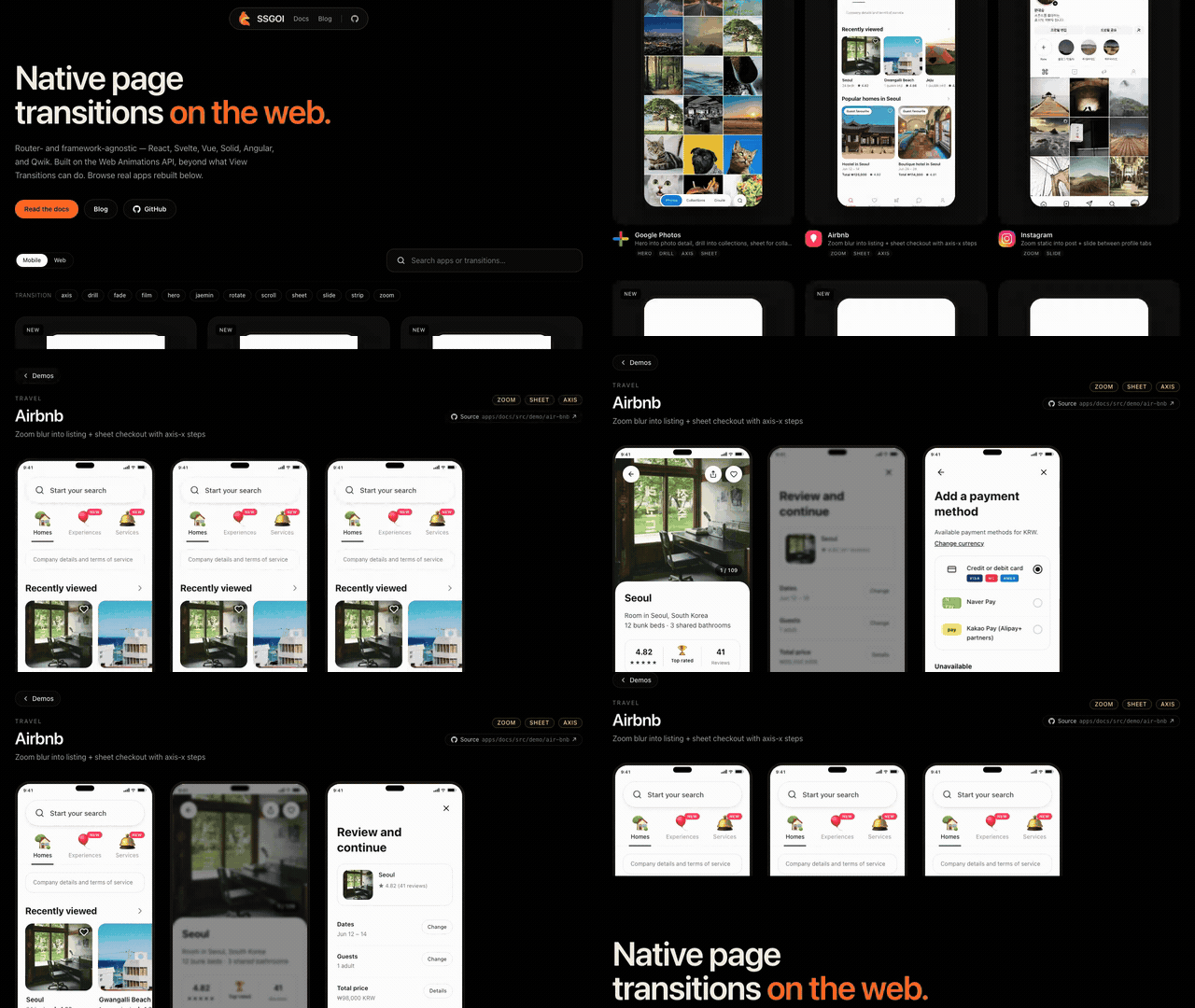
scroll({ type: "non-directional" })Open live demoOpens at the source screen
Agent guide: /llms/transitions/scroll.txt — every prop, the required markup, and a config fragment as plain text.