
Scroll behavior
A page you go back to keeps its scroll position; a page you open fresh starts at the top.
SSGOI records where each route was scrolled to and decides, per navigation, whether the arriving page starts at the top or comes back where you left it. The rule that matched supplies that decision, so most apps configure nothing here.
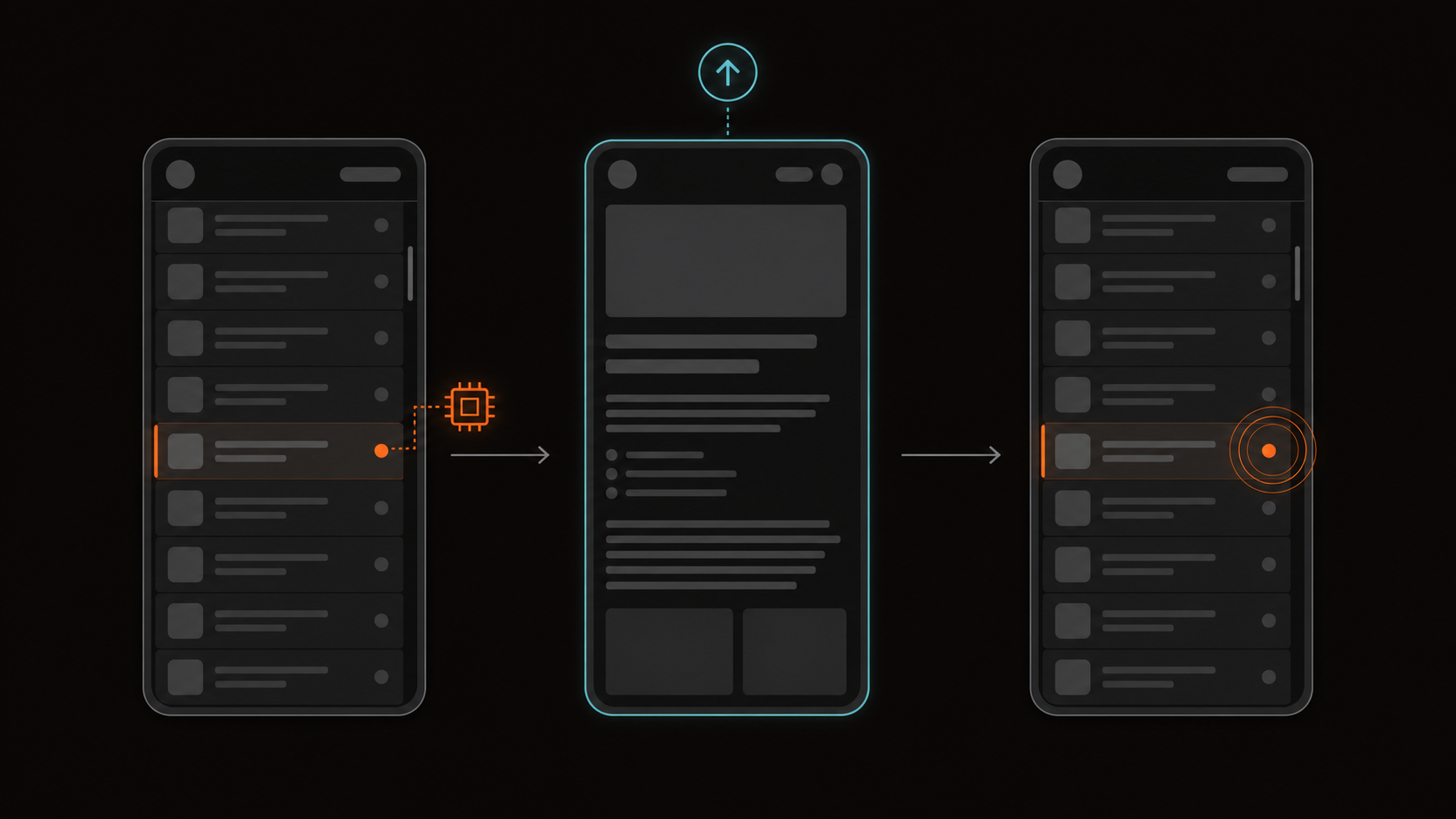
The automatic policy
from and to name the rule's forward relationship, not the current navigation. Going backward swaps which page is physically leaving and arriving.
| Rule | Forward from | Forward to |
|---|---|---|
on | restore | reset |
from / to | restore | reset |
ordered | restore | restore |
Reset and restore only ever run on the page that is arriving. The leaving page keeps animating at the scroll position it already had.
When both routes are already inside the same on scope, both count as the to side and both reset. For stack UX, use except to keep the source route outside the scope.
Scrolling during a transition
SSGOI suppresses accidental scroll input while a page transition prepares and plays, so a tall leaving page does not expose blank space below the arriving page during ordinary scrolling.
Wheel, single-finger touchmove, and page-scroll keys are blocked without changing CSS, native scrollbars, gutters, padding, or container dimensions. Taps, text editing and zoom gestures remain available. Overlapping transitions share the input listeners, which are released after the leaving page is removed or hidden. Errors and provider teardown also release them. Async preparation has a five-second deadline; paused playback keeps its lock until completion or teardown.
Native scrollbar clicking or dragging and programmatic scroll restoration remain available. Already-running native momentum is not rewound.
If your app already manages scroll locking, set scrollLock: falseon the top-level config. This leaves the rule's scroll restoration policy intact.
const config = {
  scrollLock: false,
  transitions: [{ from: "/gallery", to: "/photo/*", transition: zoom() }],
};
Override one relationship
Reach for preserveScroll only when the automatic behaviour is wrong for that rule. Both keys are required.
{
  from: "/gallery",
  to: "/photo/*",
  preserveScroll: { from: true, to: true },
  transition: zoom(),
}
Share one scroll across tabs
Tabs under one header should not jump when you switch between them. With preserveScroll: "shared" the arriving page opens where the container already is.
{
  ordered: ["/profile/:id/posts", "/profile/:id/reels", "/profile/:id/tagged"],
  preserveScroll: "shared",
  transition: slide(),
}
The leaving page keeps that same position, so it animates out without an offset. Each page's own position is still restored by the other rules that bring it back, such as Back from a post opened in the grid.
Mobile and desktop
There is no separate mobile scroll switch. Serve different rule sets and each winning rule brings its own default or override.
transitions: ({ isMobile }) =>
  isMobile
    ? [
        {
          on: "/posts/**",
          except: "/posts",
          transition: drill(),
        },
      ]
    : [
        {
          from: "/posts",
          to: "/posts/*",
          preserveScroll: { from: true, to: false },
          transition: fade(),
        },
      ]
Two things worth knowing
Both of these read as a scroll bug long before anyone suspects the engine.
left: 0, so it will appear to jump sideways.scroll() is a visual page transition. Scroll restoration is navigation state. The two features have nothing to do with each other.