
Layout shell
The element you wrap <Ssgoi> in needs a few classes, so the leaving page animates in place instead of jumping.
The quick start gives you the copy-paste version. This page is for when a transition lands in the wrong place.
<main className="relative z-0 min-h-dvh overflow-x-clip">
  <Ssgoi config={config}>{children}</Ssgoi>
</main>
That is the shell for the common case: the document scrolls and the wrapper simply fills it. It is the shell the quick start, the framework guides and the templates all use.
| Class | Why it is there |
|---|---|
relative | The leaving page is put back into the DOM with position: absolute, so it lands relative to the nearest positioned ancestor. Without this it jumps to the top of the document. |
z-0 | Gives the wrapper its own stacking context, so the layers a transition creates stay inside your shell instead of covering a fixed header. Transitions never use a negative z-index, so the leaving page cannot fall behind your background. |
overflow-x-clip | Stops a horizontal scrollbar from flashing while slide, drill or strip move a page off-screen. Use clip, not hidden — overflow-x: hidden turns the wrapper into the scroll container, and scroll restore then targets the wrong element. |
If the wrapper scrolls instead of the document
Swap min-h-dvh for h-dvh overflow-y-auto. Pick this only if you deliberately want a fixed-height app frame with its own scrolling region — for example a header that never moves.
<main className="relative z-0 h-dvh overflow-y-auto overflow-x-clip">
  <Ssgoi config={config}>{children}</Ssgoi>
</main>overflow-y: auto on the same element you gave relative to — if the two live on different elements, scroll restore targets one box and the leaving page is positioned against another.Why the leaving page needs a wrapper at all
When you navigate, your framework removes the old page from the DOM. SSGOI catches that exact node — not a copy of it — and puts it back so it can animate out.
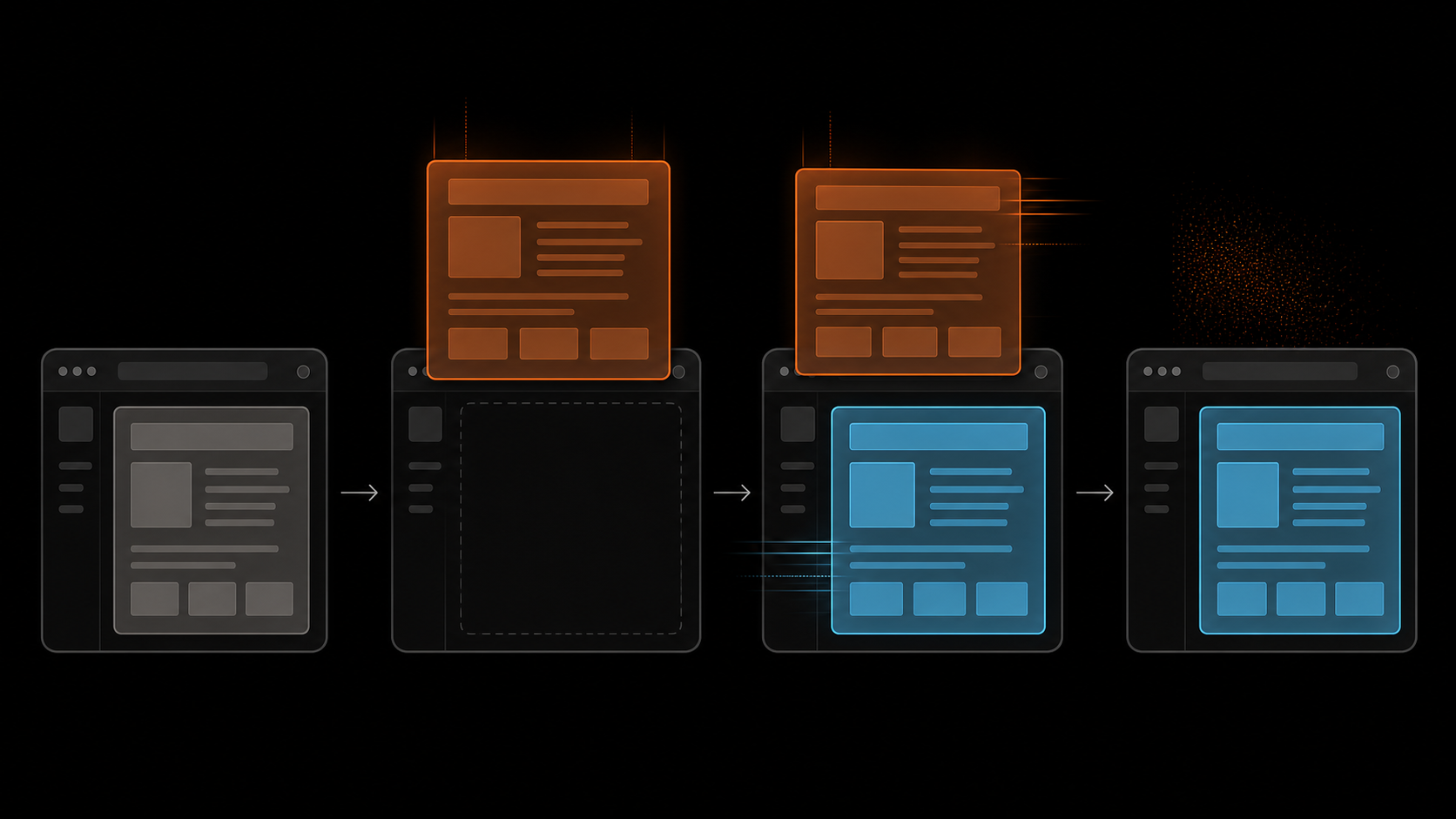
Because the reinserted page is position: absolute, it is placed against the nearest positioned ancestor. That ancestor is the element you put relative on. The <Ssgoi> element itself cannot do the job: it renders as display: contents and so has no box of its own.
Reusing the real node is deliberate — typed-in form values, canvas contents and playing video all survive the trip.
The cost is that two pages are in the document at once for the length of the animation. That is what the other two classes contain: z-0keeps both pages' layers inside your shell, and overflow-x-clip hides the horizontal overflow while one of them travels off-screen.